If you’d like to keep a copy of your Brain in Hand information, you can request an export from the Brain in Hand web app.
Request an export
- Sign in to the Brain in Hand web app.
- Select your profile icon in the top right-hand corner and choose Manage Account.
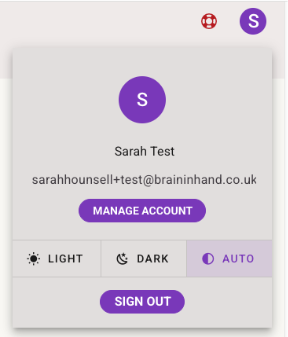
- On the Account Details page, scroll down to Export User Data.
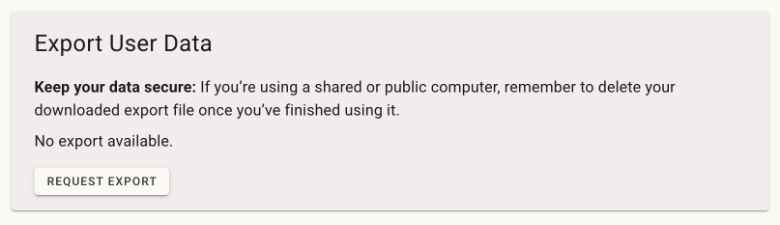
- Select Request Export.
Your export will begin to be prepared
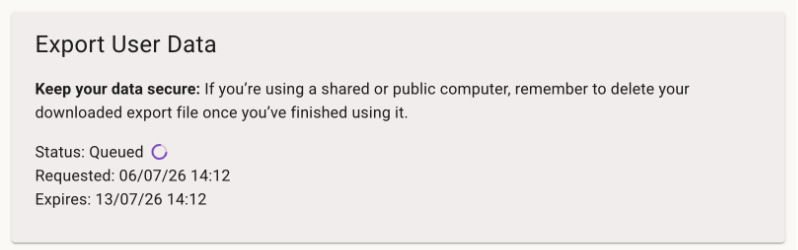
While it’s being created, the status will change to Queued. This simply means we’ve received your request and are preparing your export.
Most exports are ready in less than a minute, although larger exports may take a little longer. If you’d prefer, you can leave this page and come back later to download your export once it’s ready.
Download your export
When your export is ready, the status will change to Completed and a Download Export button will appear.
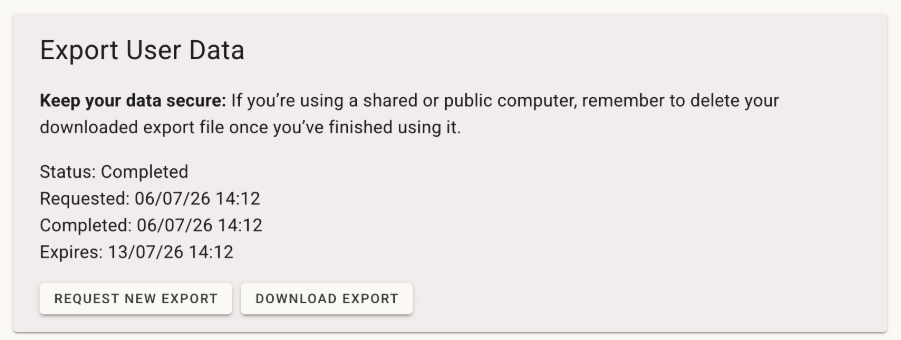
- Select Download Export.
Your export will be downloaded to your device using your browser’s usual download location. This is normally your Downloads folder unless you’ve chosen a different location in your browser settings.
Your export will be available to download from the Account Details page for 7 days. After that, the download will expire, but you can request a new export at any time.
What’s included?
Your export is downloaded as a ZIP file containing your Brain in Hand information.
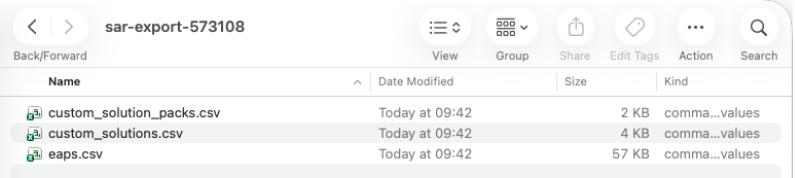
For more information about what’s included and how to read the files, see Understanding your Brain in Hand export.
Keep your information secure
If you’re using a shared or public computer, remember to delete your downloaded export file once you’ve finished using it.
Need help?
If you’d like some extra support, you can book time with a coach to talk through the changes and explore the export tool together.
Was this article helpful?
That’s Great!
Thank you for your feedback
Sorry! We couldn't be helpful
Thank you for your feedback
Feedback sent
We appreciate your effort and will try to fix the article
Can't find what you're looking for?
Contact us